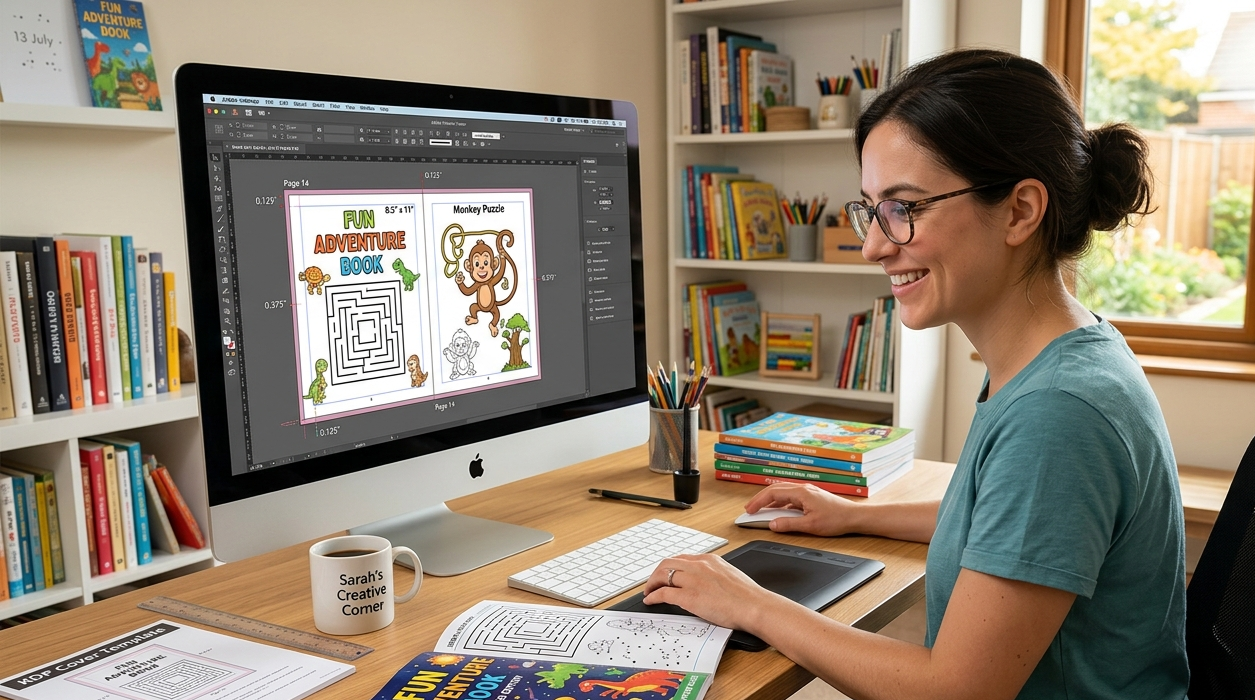
You finished the puzzles. The mazes are drawn, the coloring pages look great, and you’re ready to publish. Then you learn how to format children’s activity books the hard way — by uploading a file to KDP and getting an error about content bleeding past the trim line, or a gutter margin warning you didn’t even know existed.
This happens constantly. An author spends three weekends building fifty pages of activities, uploads the interior, and Amazon kicks it back. Not because the puzzles are bad. Because the page setup was wrong from page one. So before you go anywhere near a template, let’s actually walk through what formatting a children’s activity book properly looks like in 2026, from trim size to the final upload.
Why Formatting Matters More Than People Think
Nobody buys an activity book to admire the layout. Kids buy them to wreck them — crayons pressed hard, pages folded back, spines cracked open flat on a kitchen table. That’s the real test. A gorgeous illustration means nothing if the binding can’t survive a five-year-old’s grip or if a maze gets swallowed by the spine because nobody left room for it.
Children’s activity book formatting isn’t the same job as formatting a novel. You’re not stacking paragraphs. You’re building a grid that has to hold mazes, dot-to-dots, and coloring art while staying legible for a kid who’s maybe just learned to hold a pencil steady. Miss the technical side and even strong artwork ends up looking like it was thrown together in an afternoon.
KDP Activity Book Dimensions You Actually Need
Pick your trim size before you open a design file. Not after. KDP activity book dimensions shape everything downstream — printing cost, how the book feels in small hands, even how it photographs on a store listing.
The sizes that show up again and again in this category:
- 8.5″ x 11″ — the standard for coloring and activity books. Big enough for wide mazes and full-page illustrations without crowding.
- 8″ x 10″ — a little more compact, a touch cheaper to print, still workable for most puzzle types.
- 6″ x 9″ — fine for word-search-heavy books aimed at older kids, but too small for coloring pages that need real space.
For most projects, 8.5″ x 11″ in full color is the safe default. Parents expect it. Illustrators have room to breathe. And honestly, it just looks like a “real” activity book on a shelf next to the big publishers.
Bleed and Margin Settings for Children’s Books
If there’s one section to read twice, it’s this one. Bleed and margin settings for children’s books are the number one reason first-time authors get bounced back by KDP’s file checker.
Here’s what the current specs look like:
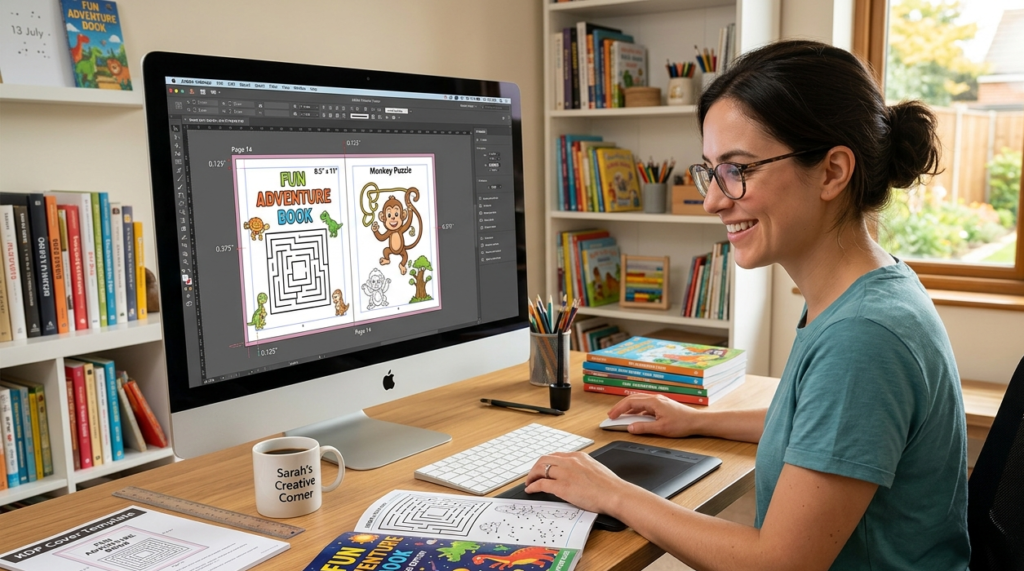
- Bleed: 0.125″ beyond the trim size on any edge where art runs to the page border. If a maze or illustration is meant to touch the edge, it has to extend past the trim line by this much or you’ll get a thin white gap after trimming.
- Gutter (inside margin): 0.375″ to 0.5″ minimum for books under 150 pages. Thicker books need more, since the spine eats into usable space.
- Outer, top, and bottom margins: 0.25″ minimum, though 0.5″ gives young hands more room and keeps activities away from where fingers naturally grip the page.
- Safe zone: keep text and anything important at least 0.25″ inside the trim edge, because trimming isn’t always perfectly precise.
Build these into your template first. Trying to retrofit bleed onto fifty already-finished pages is not a good way to spend a Saturday — trust me, it’s the kind of fix that eats an entire afternoon for what should’ve taken ten minutes at the start.
Activity Book Interior Design That Doesn’t Feel Repetitive
Fifty mazes in a row gets old fast, even for a kid. Good activity book interior design is about rhythm as much as layout.
A few things that actually make a difference:
Mix up the activity types page by page — coloring, mazes, dot-to-dots, spot-the-difference, simple word puzzles. One activity per page for anything under age 6; cramming two onto a spread just confuses early readers. Leave real white space around each puzzle instead of packing the page edge to edge, because cluttered layouts read as cheap no matter how good the individual drawings are. Keep line weights and color palettes consistent across the whole book so it feels like one product, not a folder of random clip art someone stitched together. And if the book has a theme — dinosaurs, ocean animals, space — let that theme show up in small recurring details like a footer icon or a page number treatment, so it holds together front to back.
How to Make an Activity Book for Kids, Step by Step
If you’re figuring out how to make an activity book for kids from a blank page to a finished upload, here’s roughly how it goes in practice:
- Pick a niche and an age range first. A book for 3-5 year olds needs bigger shapes and simpler mazes than one aimed at 6-8 year olds — don’t design for “kids” in general, design for one specific age band.
- Lock in your trim size and build the template with bleed and margins already correct.
- Map out your page count and activity mix on paper before touching design software. Skip this and you’ll run out of ideas around page 40, which happens more often than you’d think.
- Design or commission the illustrations and puzzles so they match one palette and one visual style.
- Lay everything into the interior file, checking each page against your margin and bleed guides as you go — not all at once at the end.
- Export a print-ready PDF at 300 DPI with the correct color profile, then actually look at every single page before uploading.
- Upload to KDP, run the online previewer, and pay close attention to pages near the spine.
Step 3 sounds boring. It’s also the step people skip most, and it’s the reason so many activity book projects stall out halfway through.
Picking the Right Kids Activity Book Template
A decent kids activity book template saves you from rebuilding bleed and margins by hand on every single page. Whether you’re working in InDesign, Canva, or Affinity Publisher, the template should already have the trim size and bleed guides baked in, consistent margins with proper mirroring between left and right pages, a repeating header or footer style, and placeholder frames sized for mazes, coloring art, and puzzles so nothing needs resizing later.
If building one from scratch sounds like more trouble than it’s worth, working with an illustrator who already handles activity book design and formatting tends to be faster than learning it through trial and error, especially on a first KDP title.
Formatting Children’s Books Differently by Age Group
Formatting children’s books isn’t one-size-fits-all, and treating a toddler book the same as one for eight-year-olds is a mistake I see constantly.
Roughly, ages 2-4 need extra-large shapes, thick outlines, wide simple mazes, and almost no text. Ages 4-6 can handle moderate detail — dot-to-dots up to 20 or 30 points, basic word tracing, still one activity per page. Ages 6-8 can take on more intricate mazes, short word searches, and a little reading in the instructions. Ages 8-12 can handle denser puzzles and longer word searches, with margins that can shrink slightly since the audience is more careful with the page.
This isn’t just a design preference. It shows up directly in reviews. A maze that’s too hard for a three-year-old gets a one-star complaint about “frustrating” activities, even when the artwork itself is genuinely good.
How to Publish Activity Books on Amazon
Once the interior and cover are finished, publishing is fairly mechanical — but a few steps trip people up every time. Here’s how to publish activity books on Amazon without the usual headaches:
Create a KDP account and start a new paperback or hardcover project. Fill in the title, subtitle, description, keywords, and categories. Upload the interior PDF and double-check the trim size matches exactly what you formatted for — mismatches here are a common rejection reason. Upload the cover, built using KDP’s cover template generator so the spine width lines up with your final page count. Use the online previewer and flip through every page, since this is where bleed and margin problems become obvious. Set pricing and check the royalty estimate for your trim size and page count. Submit for review, which typically takes KDP somewhere between 24 and 72 hours.
Before uploading anything, it’s worth understanding what actually drives children’s activity book design cost in 2026, so your budget and pricing plan are grounded in real numbers rather than guesswork.
Formatting Mistakes That Keep Showing Up
A short list of things that go wrong more often than they should: text or artwork placed right at the trim edge with no safe zone; missing bleed on full-page illustrations, leaving a thin white sliver after trimming; low-resolution images that look sharp on a screen but pixelate the moment they’re printed; ignored gutter margins that swallow puzzles near the spine once the book is bound; too many fonts or inconsistent art styles across the same book; and skipping the KDP digital proof entirely, only to find the formatting problem after physical copies show up at the door.
Get Help Formatting Your Children’s Activity Book
Formatting children’s activity books is a technical job wearing a creative costume. The margins, bleed, and trim specs have to be exact, and one wrong setting can mean a rejected file or a printed book with cropped-off puzzles.
If you’d rather have someone else handle it, Drawphics builds KDP-ready interiors from the ground up — trim size, bleed, margins, and illustrations included. You can look through our activity book illustration and formatting services or check out our KDP children’s book illustration work if you’re planning a picture book alongside the activity book. Our guide to hiring a KDP children’s book illustrator is worth reading too, before you commission any artwork.
Contact our team if you want it done right the first time.
FAQs
1. What size should a children’s activity book be for KDP?
Most use 8.5″ x 11″ for full-color coloring and maze pages. 8″ x 10″ and 6″ x 9″ also work, depending on the age group and activity type.
2. How much bleed does a children’s activity book need?
KDP requires 0.125″ of bleed past the trim size wherever art touches the page edge, plus a 0.25″ safe zone inside the trim line.
3. Can I format an activity book myself without design software experience?
Yes, with templates in Canva or Adobe tools. Getting bleed, margins, and gutter exact takes practice, so many first-timers start from a pre-built template.
4. How long does KDP take to approve an activity book?
Usually 24 to 72 hours after upload, though review can take longer during busy periods like back-to-school season.
5. What’s the ideal gutter margin for an activity book?
At least 0.375″ to 0.5″ for books under 150 pages, so puzzles and text near the spine stay fully visible once the book is bound.